Claude 101
Based on the Claude 101 course by the Anthropic team.
These are the building blocks you reach for once you are working the four Ds. Learn the framework first on AI Fluency →
Six blocks, two moves
Three you set up, three that put Claude to work.
Projects
the what- Self-contained environment.
- A home for the knowledge Claude should work from.
- Add context and content once, stop re-uploading it.
Skills
the how- A reusable playbook: Claude runs the same way every time.
- Skills perform a task, like a machine.
Artifacts
the output- A window for finished work, not a wall of text.
- Information made visibly easy: documents, code, pages, diagrams, and more.
Connectors
its reach- Plug Claude into your tools and data.
- It reads and acts, only where you allow.
Scheduled tasks
on a schedule- Recurring work, done before you ask.
- A morning briefing, a weekly roundup.
Dispatch
from your phone- Start and check in from anywhere.
- The work keeps going while you step away.
Projects
Give Claude a home for your work
A project is a self-contained environment.
You add two things: context (instructions) and content (knowledge).
The goal is to keep your agent as informed as possible.
- What knowledge should live in here so you stop re-uploading it?
- What standing instructions should shape every chat: tone, process, format?
- Who else needs the same context?
Instructions are the lever most people skip. It scales on its own: near the limit it switches to retrieval, the library shelves, and holds far more. Name your files descriptively, because retrieval works off the filenames.
Projects in depth: what to put in one, and how to set one up. Projects →
Skills
Give Claude a repeatable way to work
Skills are expertise packages and procedural machines: folders of instructions Claude loads to do a task the same way every time.
Projects store knowledge; Skills perform tasks.
- Is this a task you repeat the same way, often enough to encode?
- Do you already do it well enough to say what good looks like?
- Or is a Project (knowledge) actually what you need?
Two kinds: Anthropic’s built-in ones (Excel, Word, PowerPoint, PDF, invoked automatically) and your own. Skills are on every plan, Free included, and need code execution turned on. You make a custom skill by talking to Claude: it interviews you, you save the file.
Artifacts
Get something you can use, not a wall of text
No one wants to see a long block of code.
An artifact is a standalone, interactive output in its own window, rendered and ready.
Here are the types you did not know you could make:
- Documents (Word, PDF, PowerPoint, Excel)
- Code
- HTML pages
- SVG images
- Mermaid diagrams
- React components
Getting a good artifact is the same skill as good prompting: be specific, describe the end user, change one thing at a time. If you do not get one, just ask: “make this an artifact.”
Connectors
Plug Claude into your tools and data
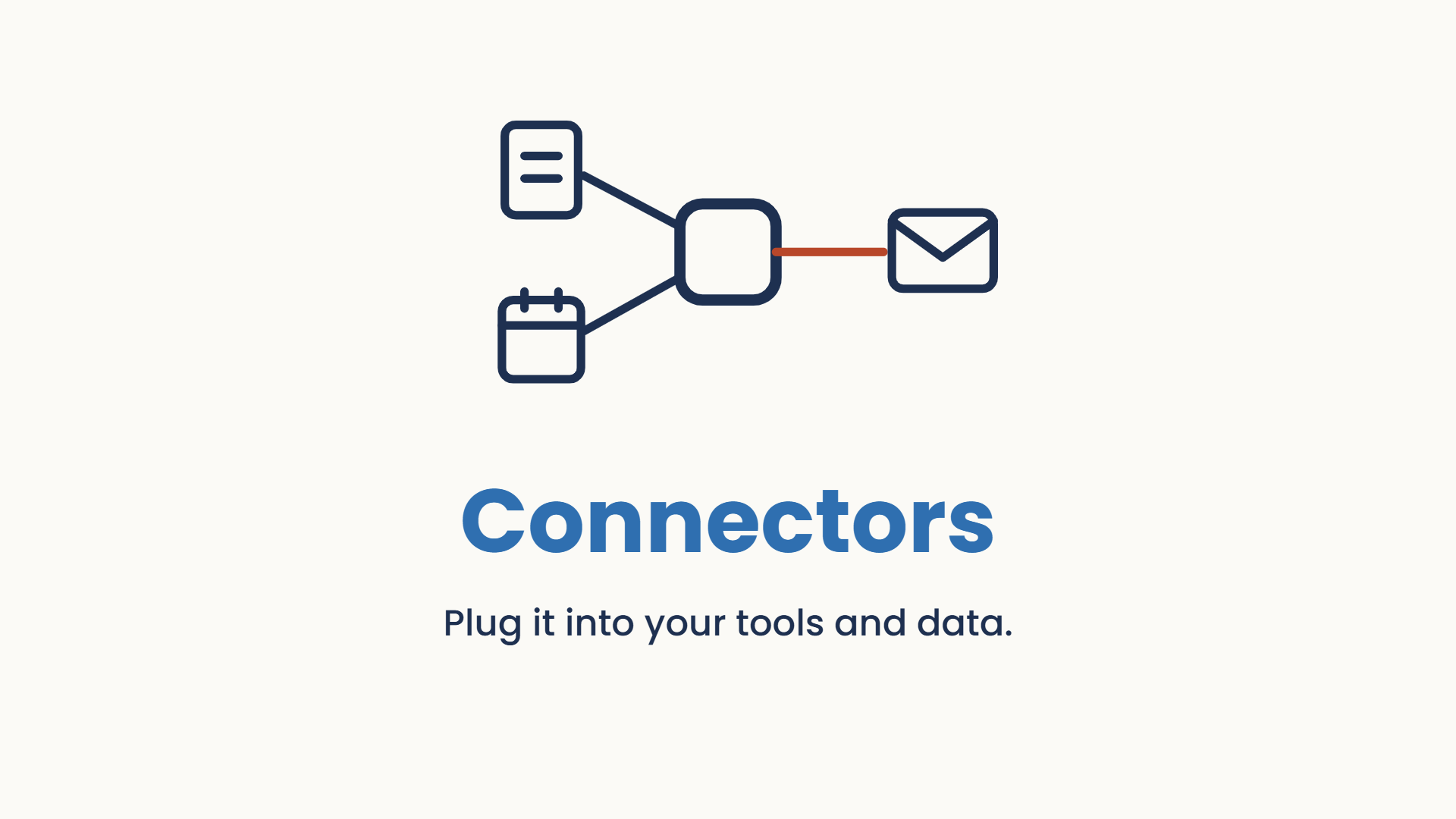
Connectors turn Claude from an assistant into an informed collaborator.
You give it your tools, your data and your context, and it can both read and take action, only where you allow.
- Which tools hold the context Claude keeps missing: Drive, Gmail, Calendar, Notion, Slack?
- Do you want it to just read, or to take actions too: create, update, send?
- What should it never be allowed to touch?
Built on MCP, the “USB-C for AI”. Every connector is scoped and revocable, and Claude only ever sees what you can see. Browse them at claude.ai/directory.
Connectors in depth: reading, acting, and connecting safely. Connectors →
Scheduled tasks
Have Claude work on a schedule
Claude can do recurring work on a schedule, so it is ready before you ask: a morning briefing, a weekly roundup, an inbox triage.
- What do you do at the same time every day or week that Claude could pre-draft?
- What would you rather read as a finished summary than go and gather yourself?
- When does it need to run to be useful: before your day starts, or end of week?
In Cowork these run in the cloud, on schedule, even when your computer is asleep or the app is closed. Set it once and it just keeps arriving.
Dispatch
Run it from your phone
Dispatch lets you start and check in on Claude’s work from your phone, so a job you kicked off at your desk keeps going while you step away.
- What long-running jobs would you happily start and walk away from?
- What do you want to check on or nudge while you are away from the desk?
- What is worth kicking off the moment you think of it, wherever you are?
This is what makes it feel like an employee: the work continues, and you stay in the loop from anywhere.
One small job for each block
Not homework. One block, one task, keep the result.
Build a Project
the what- Pick one workstream you keep re-explaining to Claude.
- Give it a home: drop in the knowledge and the standing instructions.
- Start your next chat inside it and notice what you did not repeat.
Make a Skill
the how- Choose a task you do the same way every week.
- Ask Claude to help you build a skill for it: let it interview you.
- Save the file, then run it and see if it matches your own work.
Ask for an Artifact
the output- Take something you would normally get as plain text.
- Ask for a type you have never used: a diagram, a page, a spreadsheet.
- If it comes back as text, just say “make this an artifact.”
Connect a tool
its reach- Pick one tool you check constantly: Drive, Gmail, Calendar.
- Connect it, then ask Claude something that needs what is inside.
- Notice it answering from your world, not the general web.
Schedule a task
on a schedule- Choose a summary you gather manually each week.
- Ask Claude to produce it on a schedule.
- Wait for the first one to arrive on its own.
Dispatch a job
from your phone- Start a longer task on your desktop.
- Check in on it from your phone while you do something else.
- See that it kept working without you at the keyboard.
Extra resources
Free to download, no sign-up.
Projects vs Skills: the what and the how
The one distinction that trips everyone up, on one page: what belongs in a Project, what belongs in a Skill, and how to tell them apart.
mccloskey-claude-101-projects-vs-skills.pdf- Projects: the what. A home for the knowledge Claude works from.
- Skills: the how. A reusable playbook Claude runs the same way. Projects store knowledge; Skills perform tasks.
- Artifacts: the output. A standalone thing you get back, ready to use.
- Connectors: its reach. Claude reads and acts across your own tools and data.
- Scheduled tasks: on a schedule. Recurring work, done before you ask.
- Dispatch: from your phone. The work keeps going while you step away.
The first three are what you set up; the last three put Claude to work. Pick one block and set it up on real work this week.
Next step on the path: Chat vs Cowork, which mode to work in. After that: how to talk to it, then real examples you can copy.
Do it with someone. Everything here is free and you can run it alone. If you would rather work through it with me, one to one, book a free 30-minute chat or see lessons and prices. No pitch.