Dispatch
Hand Claude a job on the walk to work, then pick up the finished thing when you sit down. The catch with Dispatch is who can still get it.
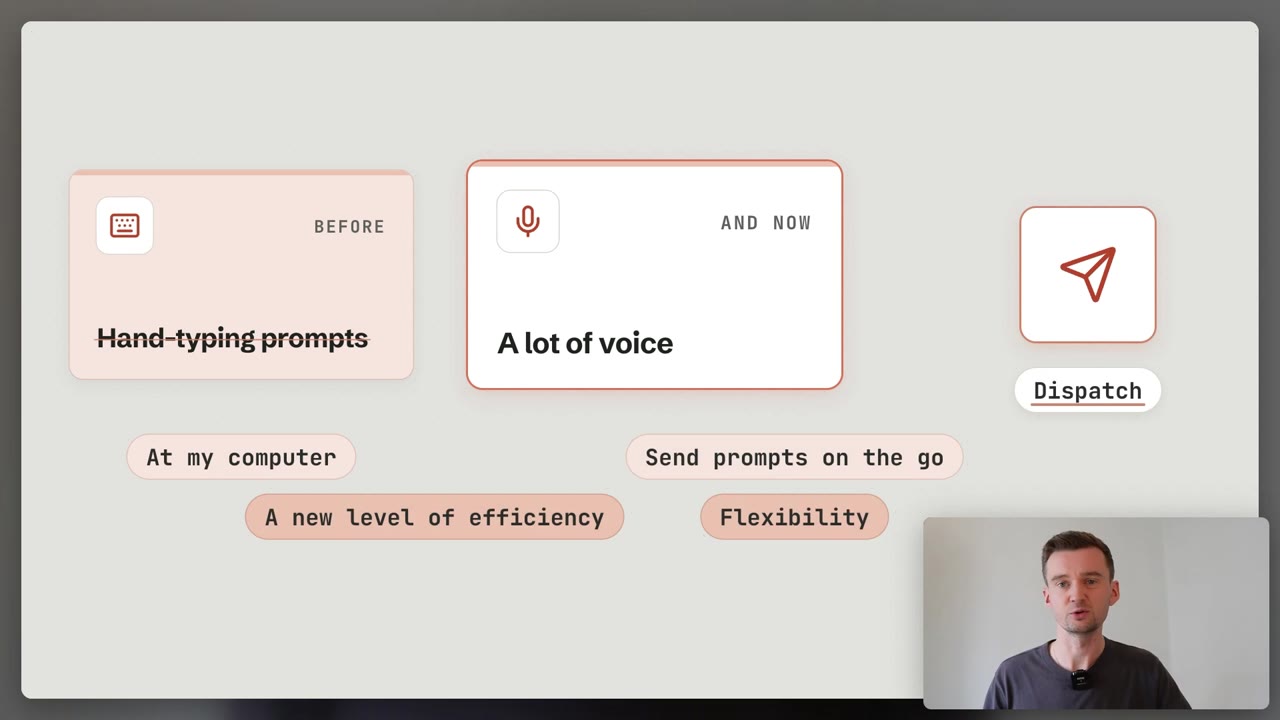
“I don’t think you have Dispatch because you’re on the team plan.” The first question here is never what it does. It is whether it is switched on for your account at all.
The Dispatch block from Claude 101, in depth. New to Claude? Start there: Claude 101 →
Dispatch
Your phone hands the job to your desktop
Message Claude from your phone and it works on your desktop computer.
It uses the local files, connectors, plugins and apps you have already set up, then hands back the finished work.
- Which job needs a file you cannot open on your phone?
- Would you rather have the result than watch the steps?
- Is your desk machine the one that holds everything?
Closed to new users. If you already use Dispatch it keeps working for now. It is a limited beta for Pro and Max plans on Claude Cowork, and it needs both the Claude Desktop app and the Claude mobile app.
Awake
Your computer has to be on
Dispatch runs the task on your own desktop, not on Anthropic’s servers.
So that machine has to be awake, with the Claude Desktop app open, the whole time Claude works.
- Will the lid be shut while you are out?
- Is it plugged in, or asleep in a bag?
- Does this job really need your own files?
A cloud session is the opposite. It runs on Anthropic’s servers and keeps going even when your computer is off, so it is the one to reach for when you are leaving the desk.
Chain
What you are really switching on
From your phone you reach everything on that desktop: files, connectors, plugins and your apps.
A phone agent driving a desktop agent is a chain, and mistakes travel down it.
- Do you trust every app and service in that chain?
- Which files and accounts could it reach?
- Do you know how to cut it off quickly?
Anthropic’s own warning is blunt: a manipulated instruction or a phishing link could cascade into actions that are difficult or impossible to undo.
Start a job from your phone anyway
Cowork in the cloud does the same job for anything that does not need your own computer.
- 1
Open the Claude app on your phone. If you do not see the Cowork option in the message box, update the app.
- 2
Choose Cowork, then describe the task. On the newer merged experience there is no option to choose, so just ask.
- 3
Put the phone away. The work runs in the cloud and keeps going when you close your laptop.
- 4
Pick it up anywhere. Open the same session on your desktop to check progress, answer a question, or redirect the work.
Cowork is in beta on web and mobile for Pro, Max and Team plans, and on Enterprise plans where an admin has switched it on. Your phone gets a notification when Claude finishes or needs you.
The jobs that suit a small screen
Three kinds of work that survive being started with your thumbs.
Your own files
only on that machine- Pull figures out of a local spreadsheet.
- Organise the files in one folder.
Your apps
through connectors- Search Slack and email, draft a briefing.
- Build a deck from files in your Drive.
Long reading
while you do something else- Research one topic in depth.
- Come back to the write-up.
One honest warning from teaching this: prompts typed on a phone come out lazier. A focused session at the desk still gives the better result, so send the errands and keep the thinking.
- Dispatch: message Claude from your phone, it works on your desktop.
- Who has it: Pro and Max, limited beta, and closed to new users.
- Awake: the computer stays on, or start a cloud session instead.
- The chain: your phone reaches everything your desktop can.
This week: start one job from your phone and read the result at your desk.
Give it the apps it needs first: Connectors → Do not type that on a tiny keyboard: Voice →
Do it with someone. Everything here is free and you can run it alone. If you would rather work through it with me, one to one, book a free 30-minute chat or see lessons and prices. No pitch.