Advanced skills
Pasted, a skill lasts one chat. Installed, it is there in all of them, whether you wanted it this time or not.
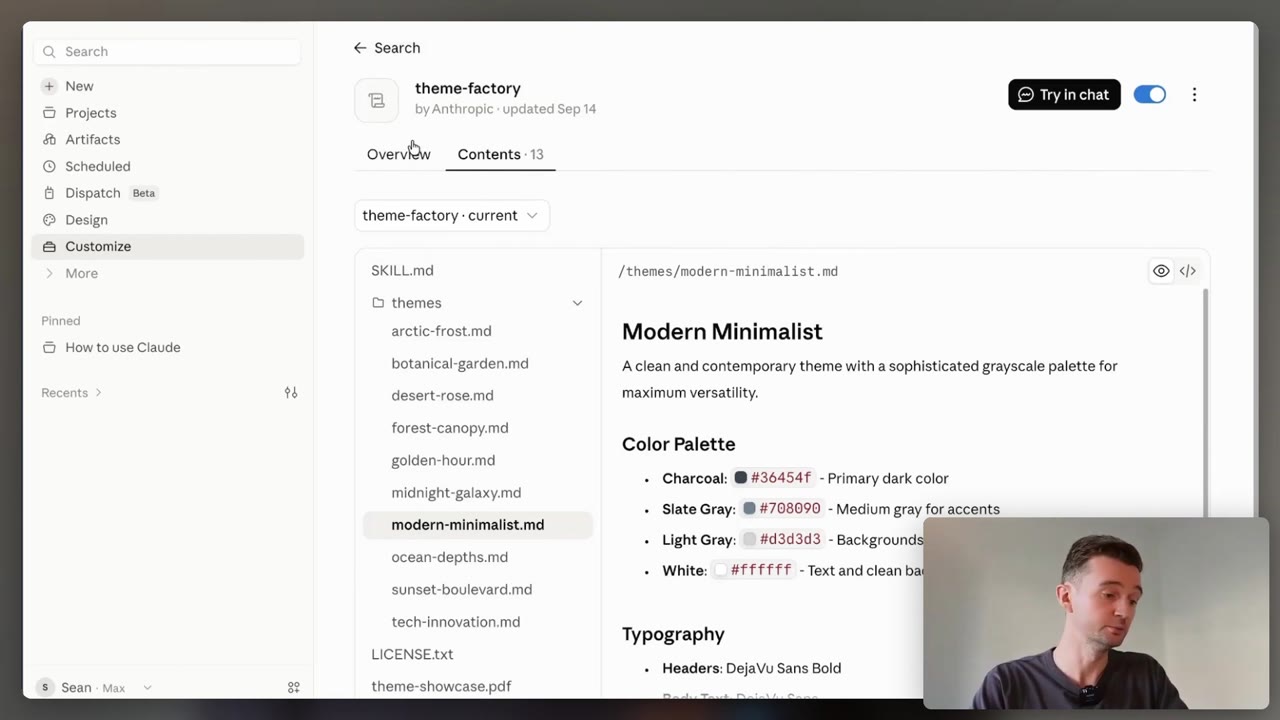
“If I said delete my entire inbox, it would say great idea.” That is the problem these skills exist to fix.
This page is about what changes once you stop pasting a skill. The files themselves are free to copy or download on the toolbox →
Installed
Put it somewhere Claude keeps looking
Pasting works, and it works once. You have to remember, and you have to still have the file.
Installed, Claude sees it in every session and can reach for it without being asked.
- Which instructions do you paste more than once a week?
- Is it a procedure, or just a fact about you?
- Do you want it in one project, or everywhere?
In Claude Code, a skill is a folder of its own holding a SKILL.md file. Put it under ~/.claude/skills/ for every project on that machine, or in the project’s own .claude/skills/ to share it with whoever clones the repo.
Triggered
The description is the whole trigger
Only the name and description of each skill sit in front of Claude at the start.
It reads the rest off disk when your request matches, so an unused skill stays cheap.
- Does your description say when to use it, not only what it does?
- Are those the words you would actually say?
- Should Claude ever start this on its own?
Anthropic’s own wording: the description is what Claude matches your request against. In Claude Code you can usually call one by name with /skill-name instead of hoping.
Arguing
Hand it a method, not a job title
A task skill makes it faster at what you asked for. It still agrees with you.
A thinking skill gives it a way of reasoning instead, and the reasoning is allowed to disagree.
- What are you about to commit to that nobody has challenged?
- Would you rather have the answer, or the case against it?
- Did you ask it to commit, or leave it room to hedge?
Do not open with “act as an expert”. A job title moves the tone, not the accuracy. Spend those words on the context, the decision, and one example of what good looks like.
Bloat
Most people collect skills they never use
Every installed skill announces itself, used or not.
The usual complaint is not a broken skill, it is one quietly firing on work it was never meant for.
- Which of yours have you not touched this month?
- Is this one job, or three jobs wearing one name?
- Is it really a procedure, or does it belong in your instructions?
Firing when you do not want it? Make the description narrower. In Claude Code, a long list gets trimmed to fit a character budget, and a shortened description can lose the words Claude was matching on.
From download to working, in four steps
Do it once, with a skill you already trust from the toolbox.
- 1
Pick the one you already paste. The thing you retype is the thing worth installing.
- 2
Give it a folder of its own. The folder name becomes the command you type.
- 3
Write the description last. It is the only line Claude reads before it decides.
- 4
Ask for the job in your own words. If it does not fire, call it by name, then fix the description.
The Claude apps take a zip instead of a folder: Customize, then Skills, then the + button. Code execution has to be switched on first.
Three thinking skills worth having
Consultant
the answer, not a menu- Breaks the mess into clean parts.
- Commits to one call, and names the risk.
Red team
attacks your plan- Assumes it has already failed.
- Ranks the ways it dies, bluntly.
Steel man
argues the other side- Makes the best honest case against you.
- So you beat the real thing.
Steel man is a prompt, not a file: ask for the strongest honest case for the side you disagree with. All three go long, so say what you want back. Consultant and red team are free files on the toolbox →
- Installed: one folder, one SKILL.md, and it is there in every session.
- Triggered: the description is what Claude matches, so write it the way you speak.
- Arguing: consultant, red team and steel man stop it nodding along.
- Bloat: a skill you never use still announces itself. Prune it.
This week: install the one thing you paste most, then red team your next real decision.
Writing a description is a prompting job: How to Prompt → When the job is too big for one skill, write the brief: PRD →
Do it with someone. Everything here is free and you can run it alone. If you would rather work through it with me, one to one, book a free 30-minute chat or see lessons and prices. No pitch.